
You may have started your Blogger site on your own. As you publish more, you may bring in other writers, and some of them may live in other countries and time zones.
You can run a team like this on Blogger without moving platforms. You need clear roles, a template built for several authors, a simple editorial routine and a plan for paying writers abroad.
How to add authors to a Blogger site
Invite each writer from the Permissions section of your Blogger settings, and give them the author role unless they need to manage the site.
To add a writer:
- Open your Blogger dashboard and go to Settings.
- Scroll to Permissions and select the option to invite more authors.
- Enter the writer’s email address and send the invite.
- Ask the writer to accept the invite with their Google account.
On Blogger, you can give team members one of two roles. Admins can change settings, edit the theme, manage the team and edit any post. Authors can write and edit their own posts. Keep the admin role for the site owner and one editor, so writers cannot change the layout or remove other people’s work by mistake.
How to choose a Blogger template for a multi-author site
Choose a template with an author box, label-based homepage sections and fast loading, so readers can see who wrote each post and find related articles.
Check these features before you install a template:
- an author box under each post, with a photo, short bio and social links
- homepage sections that pull posts by label, such as News, Guides and Reviews
- related posts at the end of each article
- clear typography for several languages, if your writers publish in more than one
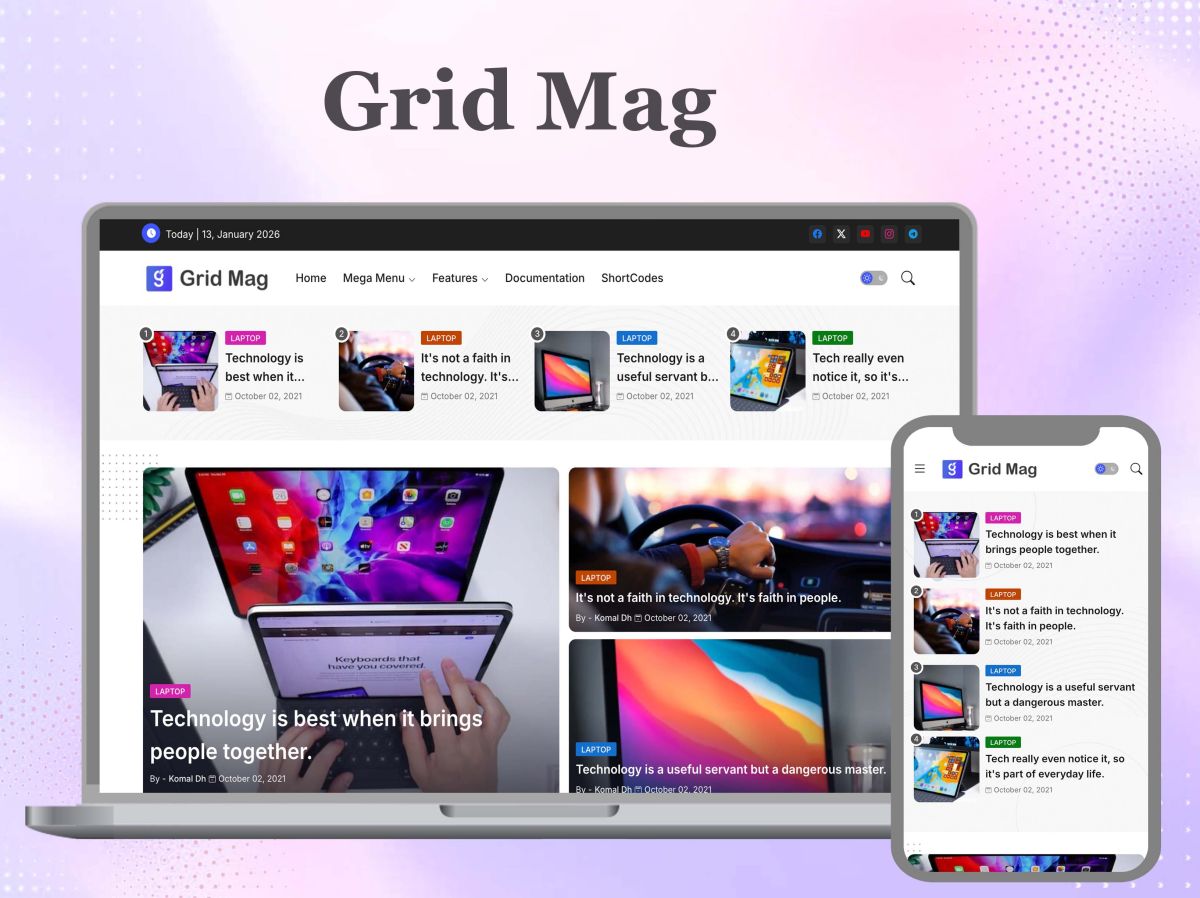
On a multi-author site, you can use one of the magazine blogger templates to show posts from several labels in separate homepage sections. You will add more posts and images over time, so pick from the fast loading blogger templates before you commit.
How to set up author profiles and bylines
Ask each writer to complete their Blogger profile with the same type of photo, a short bio and one or two links.
Blogger takes the author name and photo from each writer’s profile, and you can show them in the template’s author box. Give writers a bio format to follow, such as “Name covers topic from city. Previously role at company.” With a consistent format, readers see an edited site, even when writers live on different continents.
To switch on the author box, follow your template’s documentation. Then test it with two or three authors.
How to organise posts with labels
Agree a short list of labels, write it down and ask writers to use only those labels.
Blogger uses labels to decide which posts appear in each homepage section and category page. If one writer uses “SEO tips” and another uses “SEO tip”, Blogger treats them as two labels. You then end up with posts split across two label pages.
Keep the list short. Five to ten labels are enough for a growing blog. Add a new label only when you plan to publish several posts under it.
How to manage an editorial routine across time zones
Ask writers to save posts as drafts, review them in one place and schedule them for a time that suits your main audience.
Blogger has no built-in review step, so authors can publish their own posts straight away. Agree a simple rule instead: writers save their finished post as a draft and tell the editor in your team chat. The editor reviews it, adds the final labels and schedules it.
Set your blog’s time zone in Settings, so Blogger publishes scheduled posts at the right local time. Say your editor works in London and your writers live in Manila and Lagos. If most of your readers are in the UK, schedule posts for UK mornings. Writers in Manila can then submit drafts during their own working day, and the editor can review them before publishing.
Use one shared calendar for deadlines and publishing dates. Write each deadline with its time zone, such as “Thursday 17:00 London time”, so writers in other time zones do not miss it by a day.
How to pay writers who live in other countries
Decide whether each writer is a contractor or an employee before you agree terms, then set up payments that match that status.
Freelance writers send an invoice for each article, set their own hours, work for other clients and use their own equipment. If one writer starts working only for you, on set hours and under your direction, authorities in some countries may treat them as an employee.
Some publishers use a company to manage this for them. An agent of record manages contracts and payments for contractors in other countries. An employer of record becomes the legal employer of a full-time worker, such as an editor, and runs their local payroll. Both charge a fee. You can compare how the two models work before you choose one for each person on your team.
Whichever route you choose, agree the rate, currency, payment date and invoice details in writing. Pay on the same day each month, so each writer knows when to expect their money.
How to keep quality consistent across writers
Give writers a one-page style guide and a short checklist to run before they submit a draft.
Cover tone, spelling (such as British or American English), heading style and how to write titles. Then ask writers to complete these steps on each post:
- Use a title with the words your readers search for.
- Add one or two labels from the agreed list.
- Follow your size and style rules for the featured image.
- Describe each image in its alt text.
- Link to at least one related article on your site.
- Fill in the search description.
Share one image template and one size with your writers for featured images. You can follow this guide to consistent featured images for every Blogger post to set them up.
How to remove a writer who leaves
Back up the blog, then remove the writer from Permissions on the day they leave.
Go to Settings and use the backup option to download a copy of your content first. Then open Permissions and remove the writer’s access. Check their recent drafts before you remove them, and move any unfinished work to another author or delete it.
If the writer had admin access, change any shared passwords they used, such as for your analytics or social accounts. If you list past authors on the site, update their bio to show they no longer write for it.
Summary: running a multi-author Blogger site across countries
Invite writers as authors, keep admin access tight and pick a template with author boxes and label-based sections. Agree labels, bios and a draft-and-review routine, and schedule posts around your readers’ time zone. Settle each writer’s status before you pay them, and give the team one style guide and one checklist.