Most people find a mechanic the same way now. Their car makes a strange noise, they pick up their phone, and they search “auto repair near me.” The shops that show up, load fast, and make it easy to call or book get the job. The rest never hear about it.
That makes the website one of the most important tools a repair shop owns. Not because it needs to be fancy, but because it is often the first and only chance to win a new customer.
This guide walks through every part of it. Which platform to use, which pages you need, how to pick a template, how local SEO works for repair shops, how to add structured data, how to keep the site fast, and how to turn a visitor into a booked job.
Why does an auto repair shop need its own website?
A repair shop needs its own website because a directory listing or a social page cannot do the whole job of winning a customer.
A Google Business Profile is essential, and we will come back to it. But it gives you a small box with limited space. A website lets you explain every service, show your prices or price ranges, answer common questions, and display reviews in your own words. It also gives Google far more information to rank you for specific searches like “brake repair in [your town]” instead of just “mechanic.”
There is a trust angle too. When a customer compares two shops, the one with a clear, professional website usually looks more established. People hand over their car keys to businesses they feel they can trust.
Should you build on Blogger, WordPress or a site builder?
Any of the three can work. The right choice depends on your budget, how much you want to manage yourself, and how fast you want to get online.
Blogger is free, hosted by Google, and very low maintenance. You do not pay for hosting or worry about security updates. With a good responsive template, a Blogger site can look professional and load quickly. The trade-off is flexibility. Booking widgets, complex forms and some plugins are harder to add.
WordPress gives you the most control. Thousands of themes and plugins cover booking, forms, reviews and SEO. But you pay for hosting, and someone has to keep it updated and secure.
Hosted site builders sit in the middle. They are easy to use and handle hosting for you, but monthly fees add up and you have less control over speed and SEO settings.
For a small shop that wants a solid site with almost no running costs, Blogger with a well-built template is a reasonable start. For a shop that wants online booking deeply built in, WordPress or a site builder is usually easier.
What pages does a repair shop website need?
A repair shop website needs a small set of core pages, each with one clear job.
- Home page. Who you are, where you are, what you fix, and how to book. All of that should be visible without scrolling on a phone.
- Service pages. One page per main service: brakes, oil changes, diagnostics, transmissions, tyres, air conditioning. A single “Services” page with a list does not rank well. Separate pages do.
- About page. Your story, your team, years in business and certifications such as ASE.
- Reviews page. Real customer reviews, ideally with names and the type of job.
- Contact and location page. Address, map, opening hours, phone number and parking information.
- Booking or quote page. A simple way to request a time or a price.
- FAQ page. The questions your front desk answers every day.
If you work on more than cars, give each vehicle type its own page as well. A motorcycle owner searching for a bike mechanic wants to see that you actually do bikes, not a line buried under “other services.” Shops that specialise this way usually run the same specialisation behind the counter too, with software built for motorcycle repair shops that handles the different parts, labour times and job types bikes need. Your website should reflect that same focus, so the customer sees a specialist from the first click.
How do you choose the right template?
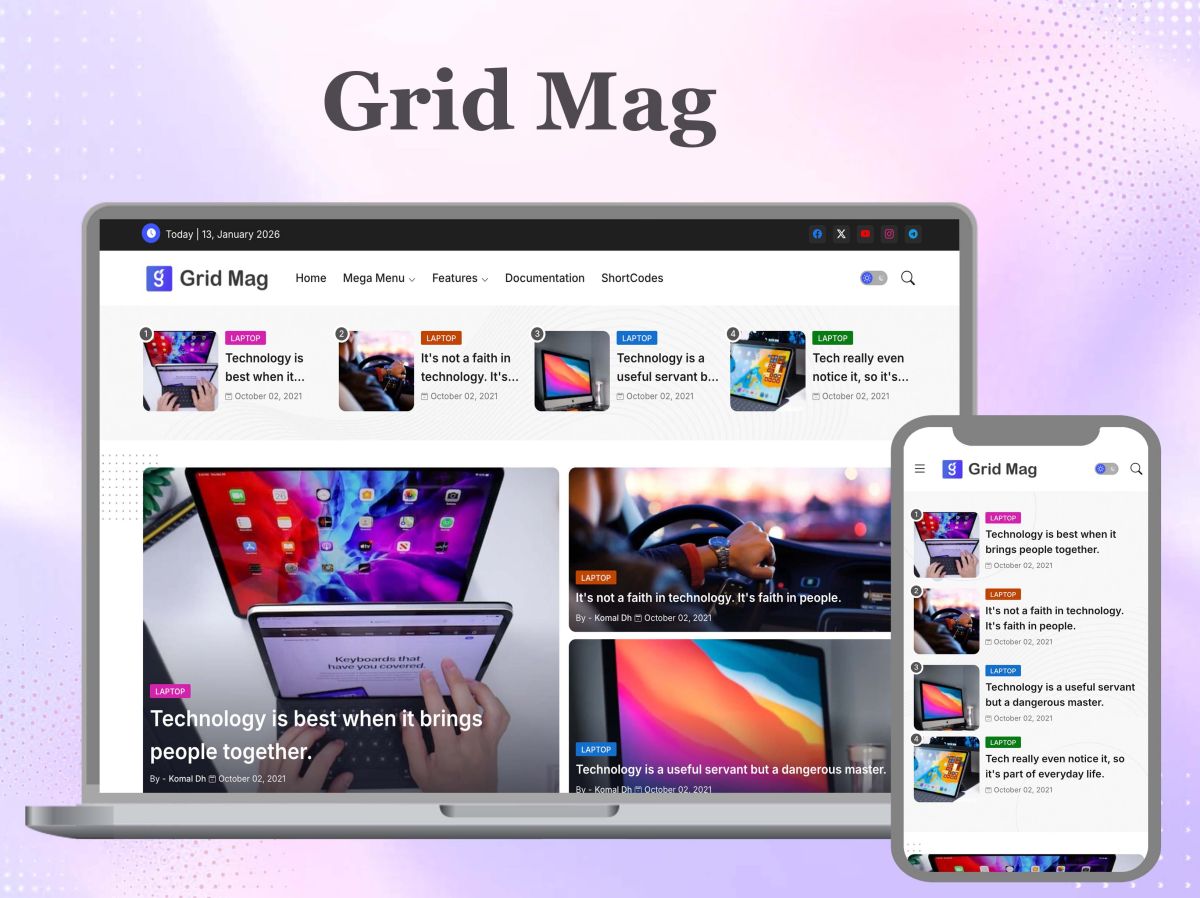
Choose a template that is fast, mobile-first and built around one action: getting the customer to call or book.
Here is what to look for:
- Responsive design. Most repair searches happen on phones, often by someone standing next to a car that will not start. The site must work perfectly on a small screen.
- Light code. Heavy sliders, large animations and lots of third-party scripts slow the page down. Simple templates usually load faster.
- Clear call-to-action areas. A visible phone button and a booking button near the top of every page.
- Clean heading structure. One H1 per page, then H2 and H3 headings in order. This helps both readers and search engines.
- Room for trust signals. Space for reviews, certifications and photos of your actual shop.
- SEO basics built in. Proper meta tags, clean URLs and support for structured data.
Avoid templates that look impressive in a demo but hide the phone number or bury the booking button under decorative sections. A repair shop website is not a portfolio. It is a tool for getting the phone to ring.
How does local SEO work for a repair shop?
Local SEO is how you show up when people nearby search for a mechanic. It rests on three things: your Google Business Profile, consistent business details everywhere, and pages that match local searches.
Set up and complete your Google Business Profile. Choose the most accurate primary category, such as “Auto repair shop.” Add your hours, services, photos of the shop and team, and a link to your website. Post updates now and then and answer questions people ask on the profile.
Keep your NAP consistent. NAP stands for name, address and phone number. It should be exactly the same on your website, your Google profile, Facebook, Yelp and any directory you appear in. Small differences, like “St.” in one place and “Street” in another, are minor, but a different phone number or an old address confuses both customers and search engines.
Target service plus location. People search for “brake repair Springfield,” not just “brake repair.” Mention your town and nearby areas naturally on your service pages. If you serve several towns, a short, genuinely useful page for each area can help, as long as each one says something different and is not a copy with the town name swapped.
Collect reviews steadily. Ask happy customers to leave a Google review. A text message with a direct link after the job works well. Reply to every review, good or bad, politely and briefly.
What structured data should a repair shop add?
Add AutoRepair schema to your site. It is a schema.org type made for exactly this kind of business, and it tells search engines your name, address, hours and contact details in a format they can read reliably.
Here is a simple example you can adapt. Replace every value with your own details and place it in the head section of your home page or contact page:
html
<script type=”application/ld+json”>
{
“@context”: “https://schema.org”,
“@type”: “AutoRepair”,
“name”: “Example Auto Care”,
“url”: “https://www.example-autocare.com/”,
“telephone”: “+1-555-010-0199”,
“image”: “https://www.example-autocare.com/images/shop-front.jpg”,
“priceRange”: “$$”,
“address”: {
“@type”: “PostalAddress”,
“streetAddress”: “120 Main Street”,
“addressLocality”: “Springfield”,
“addressRegion”: “IL”,
“postalCode”: “62701”,
“addressCountry”: “US”
},
“openingHoursSpecification”: [
{
“@type”: “OpeningHoursSpecification”,
“dayOfWeek”: [“Monday”, “Tuesday”, “Wednesday”, “Thursday”, “Friday”],
“opens”: “08:00”,
“closes”: “18:00”
},
{
“@type”: “OpeningHoursSpecification”,
“dayOfWeek”: “Saturday”,
“opens”: “09:00”,
“closes”: “14:00”
}
]
}
</script>
If you add an FAQ section, keep each question and answer visible on the page as normal text. Structured data should always describe content that people can actually see.
After adding schema, test the page with Google’s Rich Results Test or the Schema Markup Validator to make sure there are no errors.
How fast should a repair shop website be?
Fast enough that it feels instant on a phone. In practical terms, aim to pass Google’s Core Web Vitals.
- Largest Contentful Paint (LCP): the main content should appear within 2.5 seconds.
- Interaction to Next Paint (INP): the page should respond to a tap within 200 milliseconds.
- Cumulative Layout Shift (CLS): the layout should stay stable, with a score of 0.1 or lower, so buttons do not jump as the page loads.
Most slow repair shop sites have the same few problems, and they are easy to fix:
- Huge photos. Resize and compress every image before uploading. A photo straight from a phone can be several megabytes.
- Too many scripts. Chat widgets, sliders, pop-ups and tracking tags all add weight. Keep only what you use.
- Heavy sliders on the home page. A single strong image with a clear headline usually loads faster and converts better.
- Embedded maps loading upfront. Consider a static map image that links to Google Maps instead.
Test your pages with PageSpeed Insights and fix the biggest issue first. Small changes often make a big difference.
How do you turn visitors into booked jobs?
Make the next step obvious, easy and available at any hour.
Put a click-to-call button at the top. On mobile, it should be one tap. Many repair customers would rather talk to a person, especially when something is wrong with their car right now.
Offer online booking or a quote request. Not everyone wants to call, and plenty of people search in the evening when the shop is closed. A simple form that asks for the vehicle, the problem and a preferred time will capture customers you would otherwise lose.
Connect the website to how the shop really runs. A booking form is only as good as what happens after it is submitted. If requests land in an inbox that nobody checks until Monday, the customer has already gone elsewhere. Many shops use a shop management platform such as Torque360 to handle appointments and estimates in one place, so the job of the website becomes simple: get the customer to the booking step, and let the shop take it from there quickly.
Reply fast. Speed of response often decides who wins the job. If someone requests a quote, try to answer within the hour during opening times.
Be clear about what happens next. After a form is sent, show a message that tells the customer when they will hear back and what to expect.
What content brings in new customers?
Helpful, specific content that answers the questions car owners actually search for.
A few ideas that work well for repair shops:
- Symptom guides. “Why does my car shake when I brake?” or “What does a squealing belt mean?” People search for symptoms long before they search for a shop.
- Cost explainers. “How much does a brake job cost?” Give realistic ranges and explain what changes the price. Honest numbers build trust.
- Seasonal checklists. Winter preparation, summer air conditioning checks and road trip inspections.
- Maintenance schedules. When to change oil, coolant, brake fluid and timing belts, and why.
- Local guides. Inspection or emissions rules in your state, explained simply.
Write in plain language, answer the question in the first sentence or two, and then add detail. That structure helps readers find what they need fast. It also makes it easier for Google and AI search tools to pick out your answer and show it in results.
How do you build trust on the site?
Show real proof instead of making big claims.
- Use real photos. Your actual shop, your team and your equipment. Stock photos of smiling mechanics are easy to spot.
- Show certifications. ASE certification, manufacturer training and industry memberships all matter.
- State your warranty. A clear warranty on parts and labour reassures people who are nervous about repair costs.
- Display reviews with detail. “They fixed my brakes the same day and the price matched the quote” is more convincing than a five-star rating on its own.
- Be transparent on pricing. Even a price range or “free inspection” offer reduces the fear of a surprise bill.
What mistakes should you avoid?
These come up again and again on repair shop websites:
- Hiding the phone number. It should be visible on every page, especially on mobile.
- One page for all services. Separate service pages rank better and answer the customer’s exact question.
- Outdated hours or address. Nothing frustrates a customer more than driving to a closed shop.
- No mobile testing. Always check every page on a real phone, not just a desktop preview.
- Copying the same location page over and over. Thin, repeated pages can hurt more than they help.
- Ignoring speed. A slow site loses customers before they see what you offer.
- Forms that go nowhere. Test your booking and contact forms regularly to make sure messages actually arrive.
A quick launch checklist
Before you call the site finished, run through this list:
- Google Business Profile complete and linked to the website
- Name, address and phone number identical everywhere
- Separate page for each main service and vehicle type
- Click-to-call and booking buttons visible at the top of every page
- AutoRepair schema added and tested
- Core Web Vitals checked in PageSpeed Insights
- Images resized and compressed
- Reviews, certifications and warranty displayed
- Booking and contact forms tested on a phone
- A plan to publish one helpful article each month
The bottom line
An auto repair shop website does not need to be complicated. It needs to load fast, look trustworthy, rank for local searches and make booking easy. Pick a clean, responsive template, build a page for every service you want to be found for, keep your business details consistent, and make sure every form leads to a fast reply.
Get those basics right and the website stops being a digital brochure. It becomes the most reliable way new customers find you.