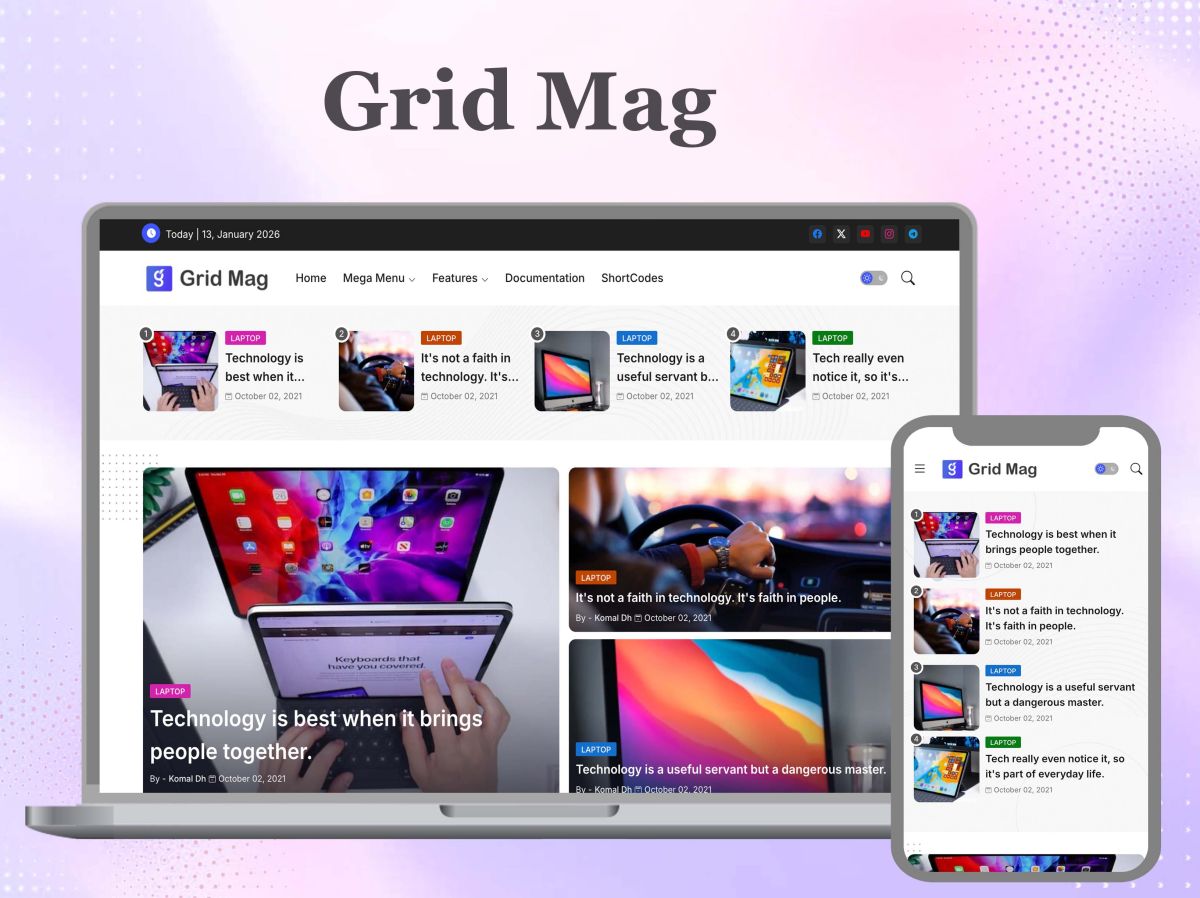
Changing a template is one of the riskiest things you can do to a blog that already gets search traffic. A new design can look better and still lose visitors, because the parts search engines rely on are mostly invisible. Before you switch, run these seven checks on the new template. Each takes a few minutes and together they prevent the most common losses.
1. One main heading per page
Open a post and view its source. There should be a single top-level heading, and it should be the post title. Some templates wrap the blog name in that heading on every page, which tells search engines every post is about the same thing. If yours does, change the blog title to a lower-level element on post pages.
2. Title tags that lead with the post
The title shown in search results should begin with the post title, followed by the blog name. Templates that put the blog name first waste the most visible words. Check the template’s head section and reorder it if needed.
3. A description for every page
Make sure the template outputs the search description you write for each post, and falls back to the blog description on the home page. Without it, search engines choose their own snippet, and it is rarely the sentence you would pick.
4. Loading speed on a phone
Most readers arrive on mobile. Test the template on a mid-range phone over a normal connection, not on your desktop. Look for large slider images, several web fonts, and widgets that load scripts from other sites. Remove what you do not need. A plain template that appears in two seconds will keep more readers than a rich one that takes six.
5. Images with descriptions and sizes
Check that the template keeps the alternative text you give each image and sets width and height so the page does not jump while loading. Thumbnails on the home page should be small versions, not full-size images scaled down by the browser.
6. Structured data that matches the page
Many templates include markup that tells search engines a page is an article, who wrote it and when. Test a post with a structured data checker. Errors here are common in free templates and easy to miss. If you would rather not read the markup by hand, a site audit in a tool such as Search Atlas will list the pages where it is missing or invalid.
7. Links and labels that still work
After switching, click through your menu, label pages, archive and pagination. Templates handle these differently, and a menu that pointed to a label page can end up pointing nowhere. Check that older and newer post links appear at the bottom of each page, since they are how search engines reach your older posts.
Switch carefully
Back up the current template before you change anything. Make the switch at a quiet time of the week, then watch your search performance report for the next fourteen days. A small dip for a few days is normal while pages are re-read. A drop that continues past two weeks usually traces back to one of the seven checks above, most often headings or titles.
It also helps to keep notes. Write down the date of the switch, the template name and version, and any edits you made to its code. If traffic changes later, that record lets you separate the effect of the design from everything else that happened that month.
A template is a frame for your writing. The best one is not the most decorated; it is the one that loads quickly, presents each post clearly, and gives search engines an accurate description of what is on the page. Check those things first, and choose on appearance second.